


100+ orders
in the last 24h
FridgeSounds Player
FridgeSounds Player
Regular price
$38.60
Regular price
$38.60
Sale price
$90.00
Unit price
per
Couldn't load pickup availability


Enjoy Any Song
Connect the player to your computer via USB to add any songs you like. No Wi-Fi required.

What's included?
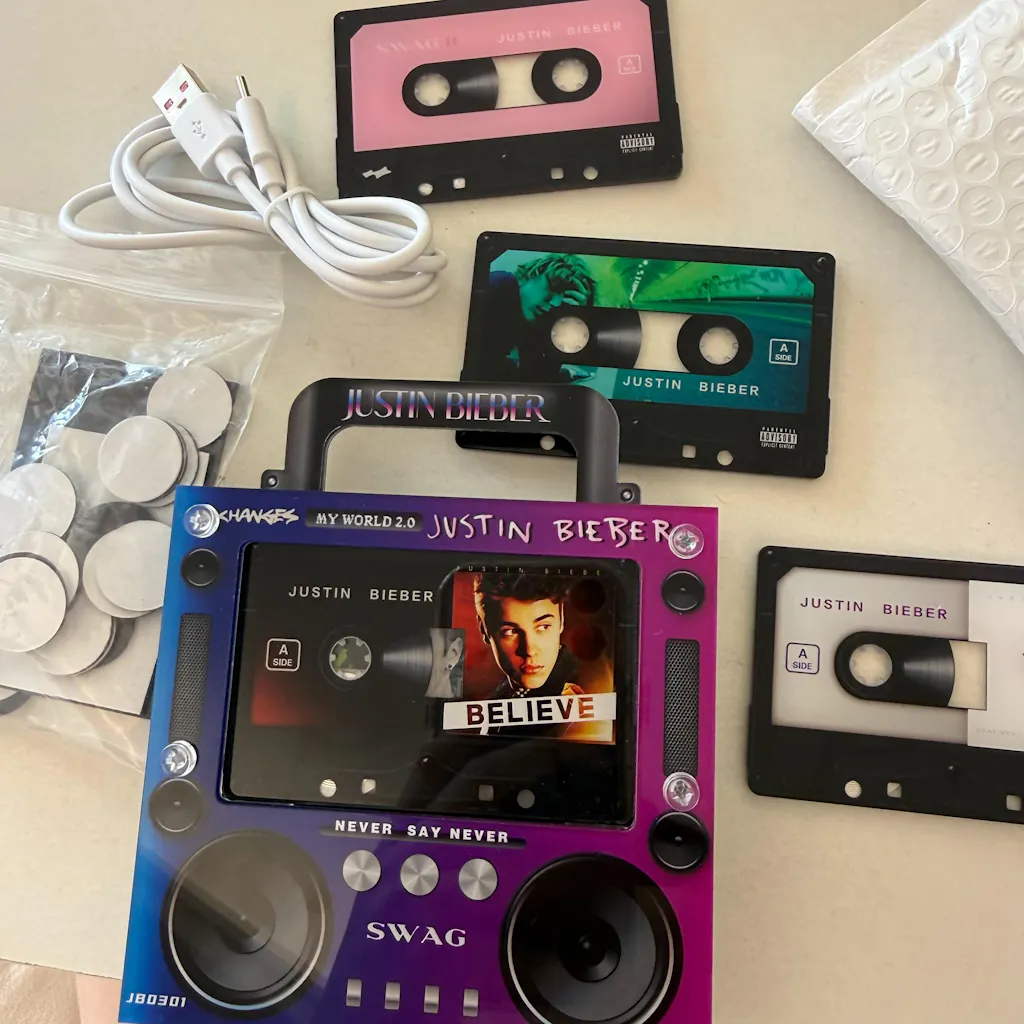
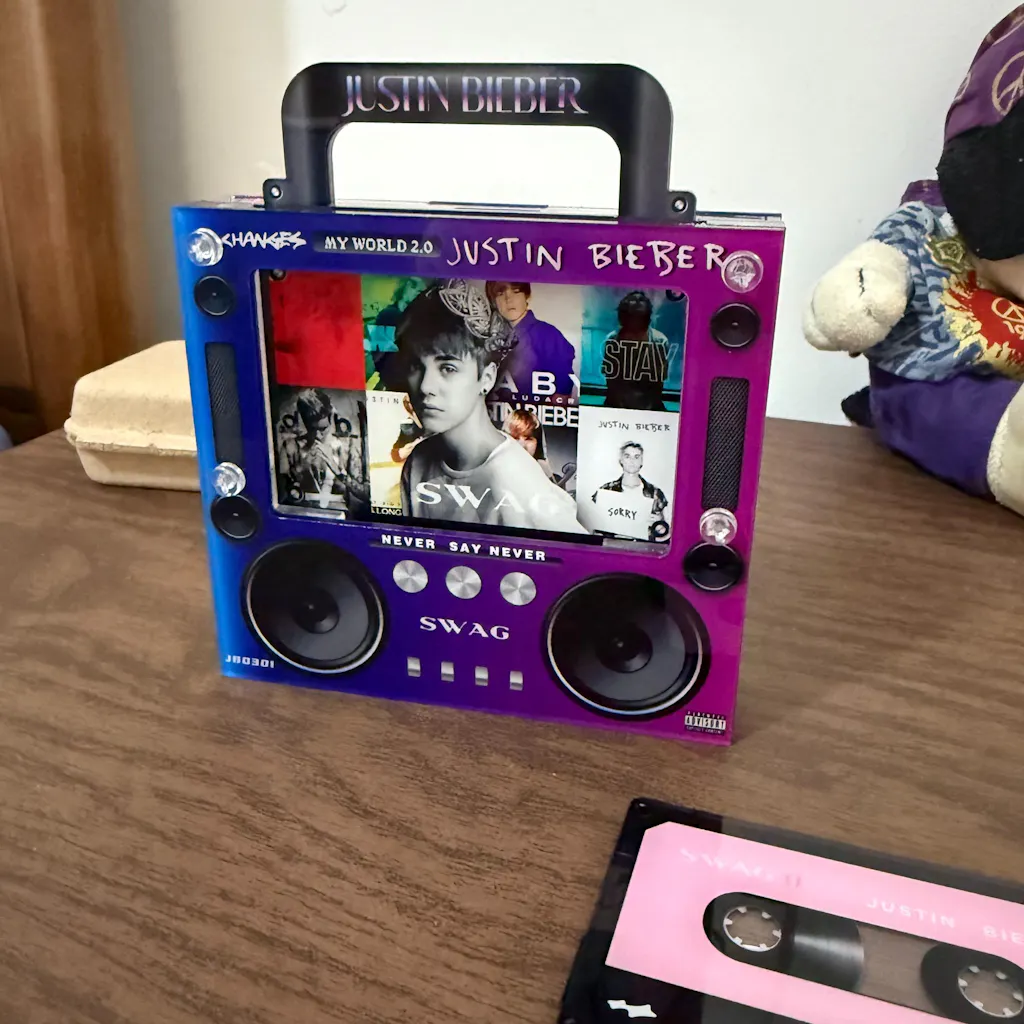
PFridgeSounds Player X2
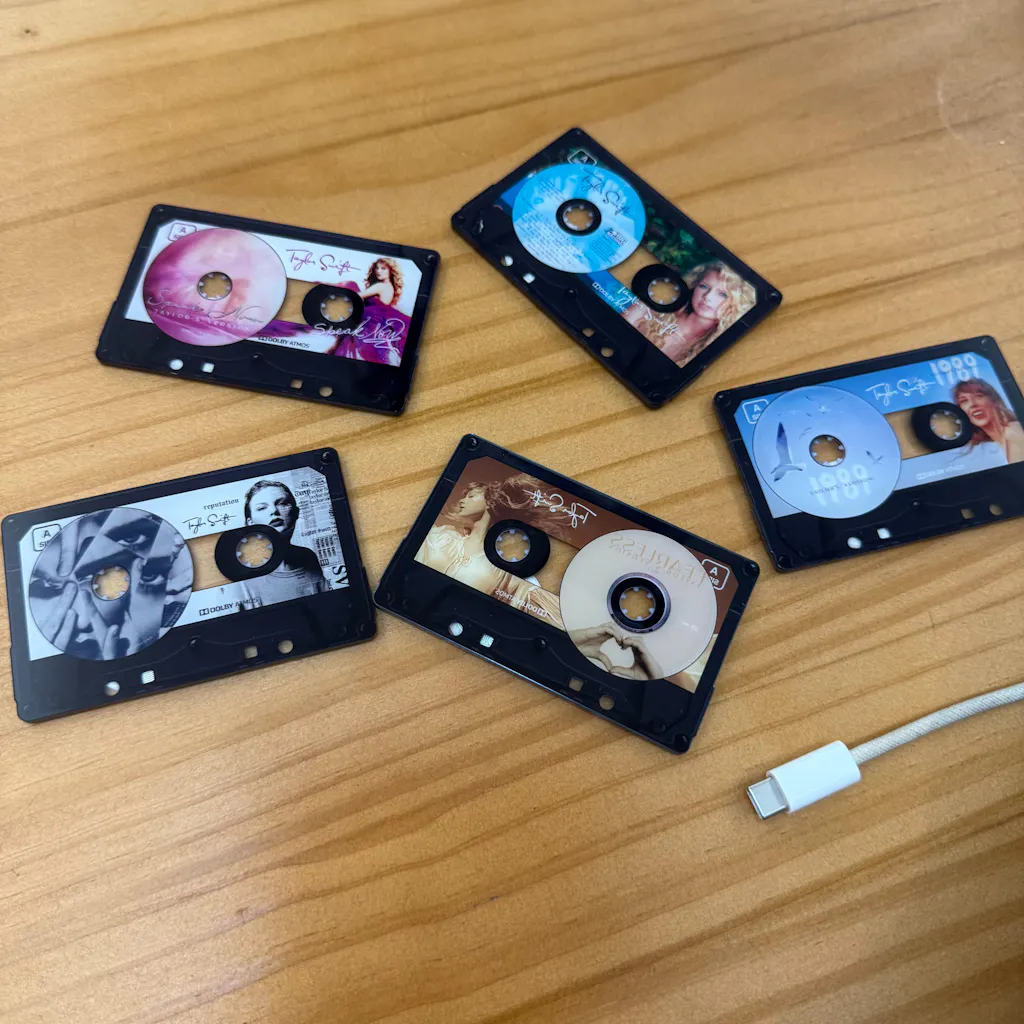
Cassette-Style NFC Chips X12
USB Cable X1
3M Adhesive Magnetic Sheets

Q&A
Shipping & Delivery
Shipping & Delivery
Our delivery time for most regions is generally 2–3 weeks, but it may vary depending on the specific region.
How do I choose the songs?
How do I choose the songs?
This is how to link any Song to your Player:
- Insert the Type-C end of the data cable into the charging port of the player, and plug the USB end into the USB port of the computer.
- Download songs in MP3 format from the internet.
- Open This PC on the computer and enter the corresponding removable disk.
- Inside the removable disk are folders numbered 01 to 09. Put the downloaded songs into the folders with matching numbers.
- Upload and back up the original MP3 files in each folder.
- If the computer fails to recognize or display the removable disk, replace it with your regular data cable and reconnect again.
Works on Mac & Windows. No app or driver install needed.